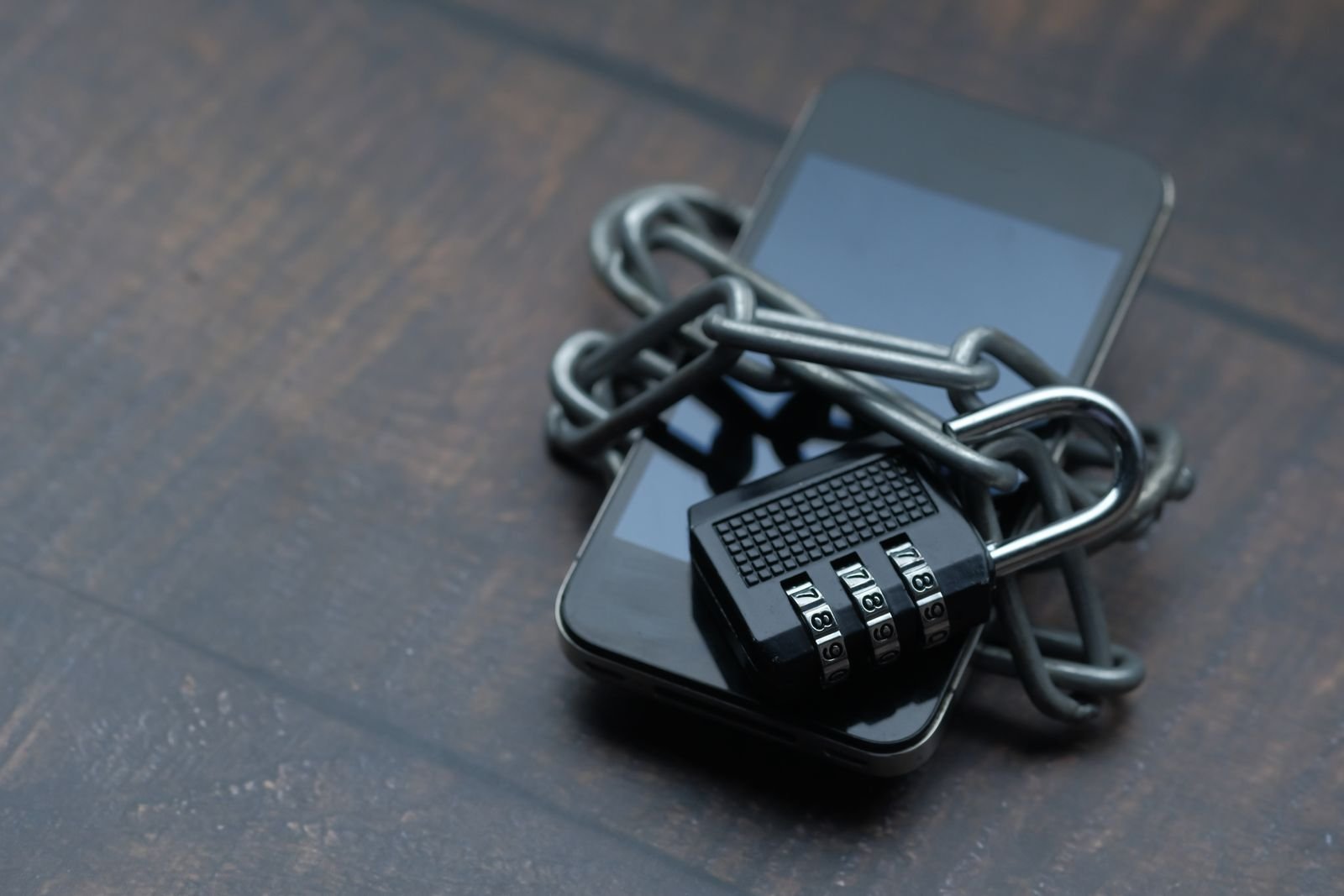
A monitoring account is a worthwhile target: whoever takes it over sees your infrastructure and can switch alerts off. That is why we decided against passwords.
How signing in works
You enter your email address and get a six-digit code. It is valid for 15 minutes and only for a limited number of attempts. After that you stay signed in without entering the code again.
What this gains
- No password that leaks from another service and is then tried on ours.
- No password that someone can guess or copy down.
- No “forgot password”: the way into your account is always the same.
How the session is protected
After signing in, the browser keeps a refresh token in an HttpOnly cookie. Scripts on the page cannot read it, and it is replaced by a new one each time it is used. A token that was intercepted and already used is therefore worthless.
What matters now
Whoever controls your mailbox can sign in. So protect your mailbox itself with a strong password and a second factor. In addition, you can switch on an authenticator app as a second factor for Uptime in the settings.